Bluetooth®
Your telephone system is enhanced with Bluetooth feature. You can pair one Bluetooth headset to each of your SN5147 cordless handsets. You can make or answer calls using a cordless handset or its paired Bluetooth headset.
 NOTES
NOTES
Before you begin, make sure that your Bluetooth enabled headset is not connected to any other Bluetooth device. If you have trouble pairing your Bluetooth headset to your SN5147 cordless handsets, try turning off the Bluetooth feature of the nearby devices that your Bluetooth headset has previously paired.
Bluetooth wireless technology operates within a short range (a maximum of approximately 15 feet) from the SN5147 Bluetooth enabled cordless handset. Keep connected Bluetooth headset within this range.
Turn on Bluetooth feature
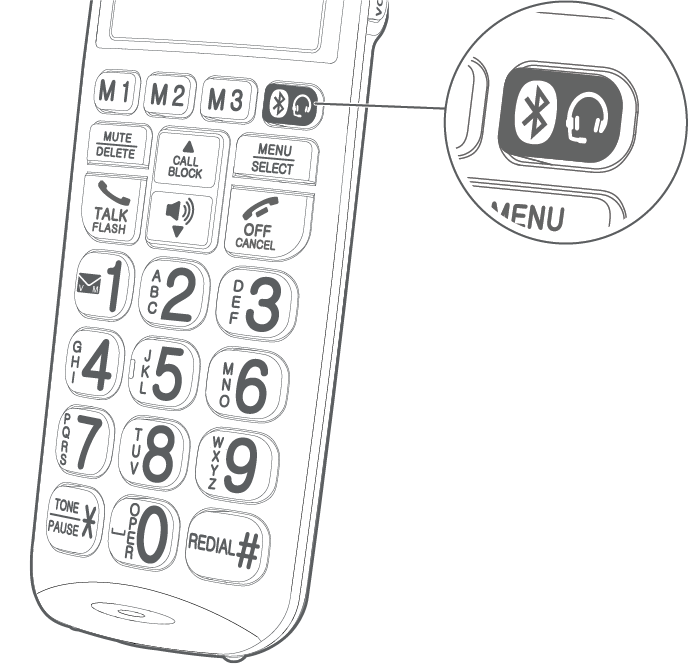
The Bluetooth feature is set to Off by default. To turn it On, press the Bluetooth key
 on the cordless handset.
The cordless handset displays Turn on Bluetooth?.
Press MENU/SELECT to turn on Bluetooth feature.
Turn off Bluetooth feature
Press the Bluetooth key
on the cordless handset.Press MENU/SELECT to choose BT On/Off.
Press
 or
or  to scroll to Off, then press MENU/SELECT.
Pair and connect a Bluetooth headset
Set your Bluetooth headset to pairing mode. Refer to your Bluetooth headset user’s manual to learn how.
Place the Bluetooth headset next to the cordless handset.
Press the Bluetooth key
on the cordless handset.Press
or to scroll to Pair headset, then press MENU/SELECT.The cordless handset displays Searching headset...
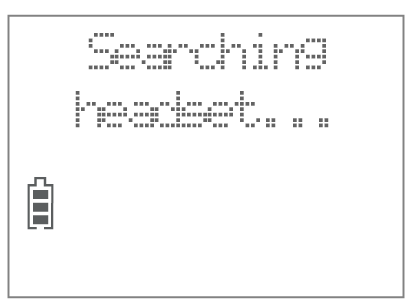
When your Bluetooth headset is found, the cordless handset displays HEADSET FOUND and the name of your headset. Press MENU/SELECT to confirm.
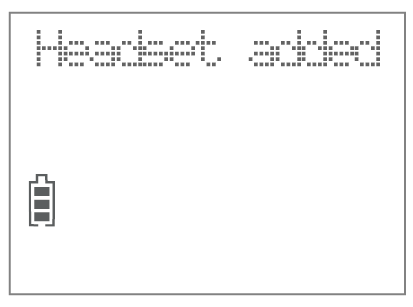
When your Bluetooth headset is paired and connected to the cordless handset, its screen displays Headset added.
NOTES
If the cordless handset cannot find any Bluetooth headset available while pairing, its screen shows No headset found. Move the Bluetooth headset closer to the cordless handset and re-try the pairing steps.
If the cordless handset already has a Bluetooth headset paired to it when pairing, it prompts if you want to remove the currently paired one. Press MENU/SELECT to remove when prompted. The handset shows BT headset removed. You can then continue pairing the new Bluetooth headset.
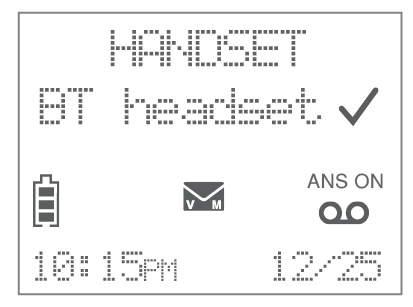
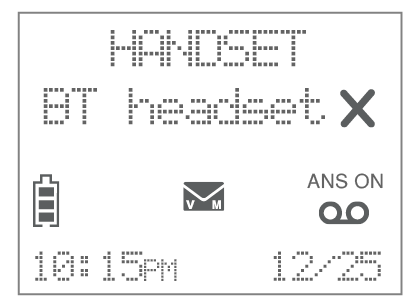
If the Bluetooth feature is on and the paired Bluetooth headset is connected to the cordless handset, the screen shows BT headset
 . If the Bluetooth feature is on but the paired Bluetooth headset is disconnected, the screen shows BT headset
  .
.
Make a call with Bluetooth headset
Enter the telephone number.
- OR -
Search a number in the phonebook (See Review phonebook entry).
- OR -
Search a number in the caller ID log (See Review caller ID log entry).
- OR -
Search a number in the redial list (See Redial).
Press the Bluetooth key
on the cordless handset.
NOTE
When you use your Bluetooth headset to make or answer calls, we recommend that you keep the connected cordless handset close to the Bluetooth headset, or bring along the cordless handset when you move around while using the Bluetooth headset.
Answer a call with Bluetooth headset
When there is an incoming call, press the Bluetooth headset key
on the cordless handset to answer the call with your connected Bluetooth headset.- OR -
If the Bluetooth headset is connected, press the key on your Bluetooth headset to answer the call (refer to your Bluetooth headset’s operation instructions).
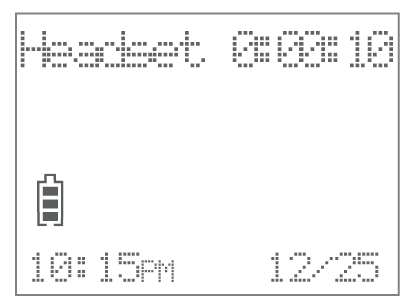
End a call with Bluetooth headset
Press
 OFF/CANCEL on the cordless handset.
- OR -
Press the key on your Bluetooth headset to end the call (refer to your Bluetooth headset’s operation instructions).
Switch between cordless handset and Bluetooth headset
When you are on an outside call or intercom call using a cordless handset or its paired Bluetooth headset, you can switch between the two.
While on an outside call or intercom call with a cordless handset:
Press the Bluetooth headset key
to switch to its paired Bluetooth headset.
While on an outside call or intercom call with a connected Bluetooth headset:
Press the Bluetooth headset key
to switch to the cordless handset.
Mute the microphone during a call
When you are on an outside call or intercom call using a Bluetooth headset, you can mute or unmute the microphone.
Press MUTE/DELETE on the cordless handset to mute the microphone.
Press again to unmute.
Check Bluetooth headset name
You can check the name of the paired Bluetooth headset.
Press the Bluetooth key
on the cordless handset.Press
or to scroll to Headset name and then press MENU/SELECT.
Remove Bluetooth headset
Press the Bluetooth key
on the cordless handset.Press
or to scroll to Remove headset and then press MENU/SELECT.Press MENU/SELECT to confirm.
Set auto connection / manual connection
Auto connection
After you have paired a Bluetooth headset, you can set the cordless handset to automatically connect to the paired Bluetooth headset when it is within range of the cordless handset (default setting).
Manual connection
If you choose to connect the paired Bluetooth headset manually, the cordless handset will connect to the paired Bluetooth headset when you press the Bluetooth key
to make a call, or answer an outside call or intercom call. The Bluetooth headset will be disconnected after each call.
Press the Bluetooth key
on the cordless handset.Press
or to scroll to Connect. mode and then press MENU/SELECT.Press
or to scroll to select Auto or Manual and then press MENU/SELECT to set.
The Bluetooth® word mark and logos are owned by Bluetooth SIG, Inc. and any use of such marks by VTech Holdings Limited is under license. VTech Holdings Limited is a member of Bluetooth SIG, Inc. Other trademarks and trade names are those of their respective owners.